Raspberry Pi 5 啟用風扇
1 min
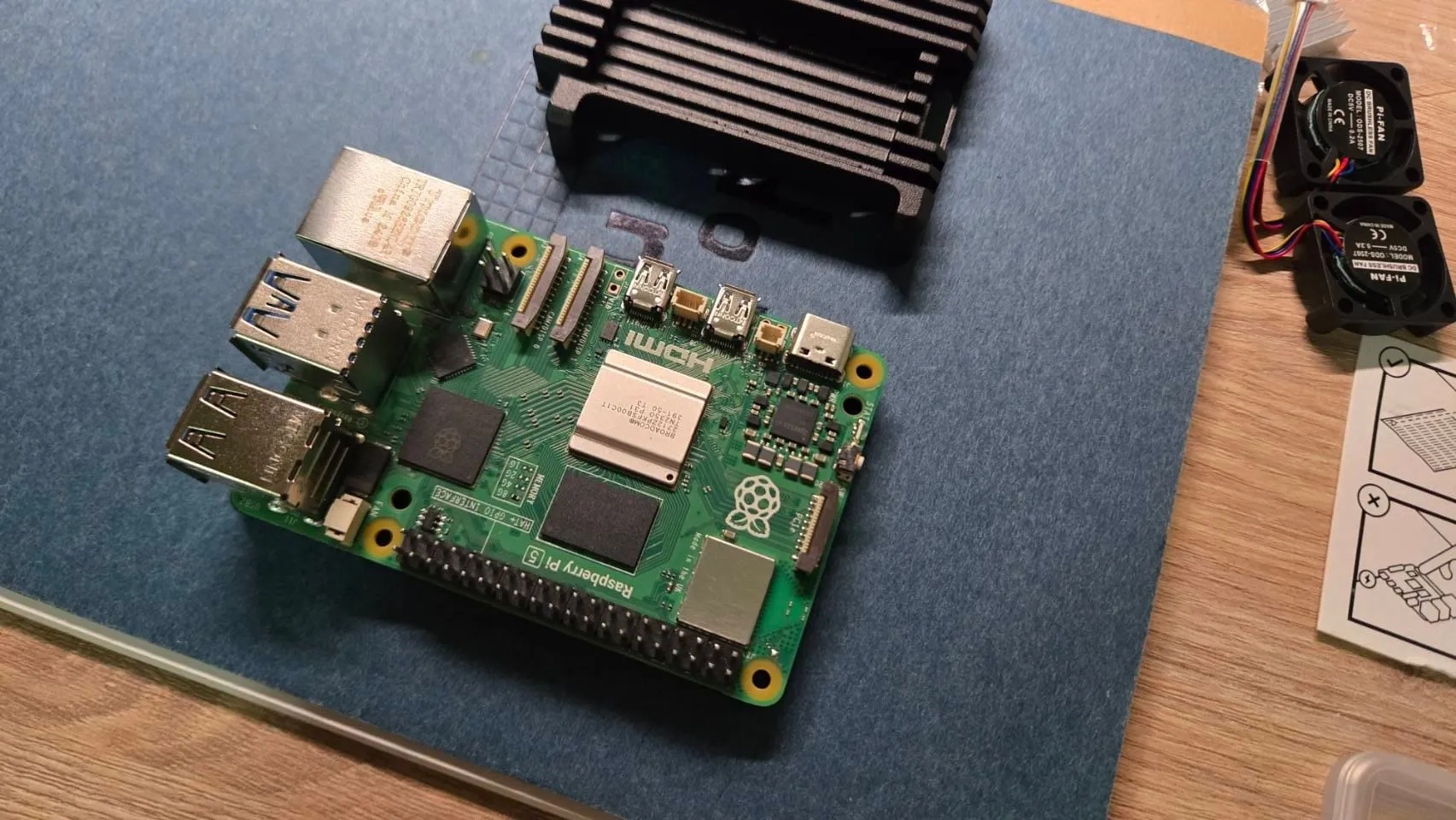
買了一台 樹莓派5 來開發,之後要取代 Jetson nano,總覺得 Jetson nano 當物聯網中樞太浪費了 😂
安裝好之後發現風扇只有開機時會啟動,跟 Jetson nano 類似,但設定方式又不太一樣,所以留作記錄一下
內建 Fan pin
sudo nano /boot/firmware/config.txtdtparam=cooling_fan=on
dtparam=fan_temp3=36000,fan_temp3_hyst=5000,fan_temp3_speed=255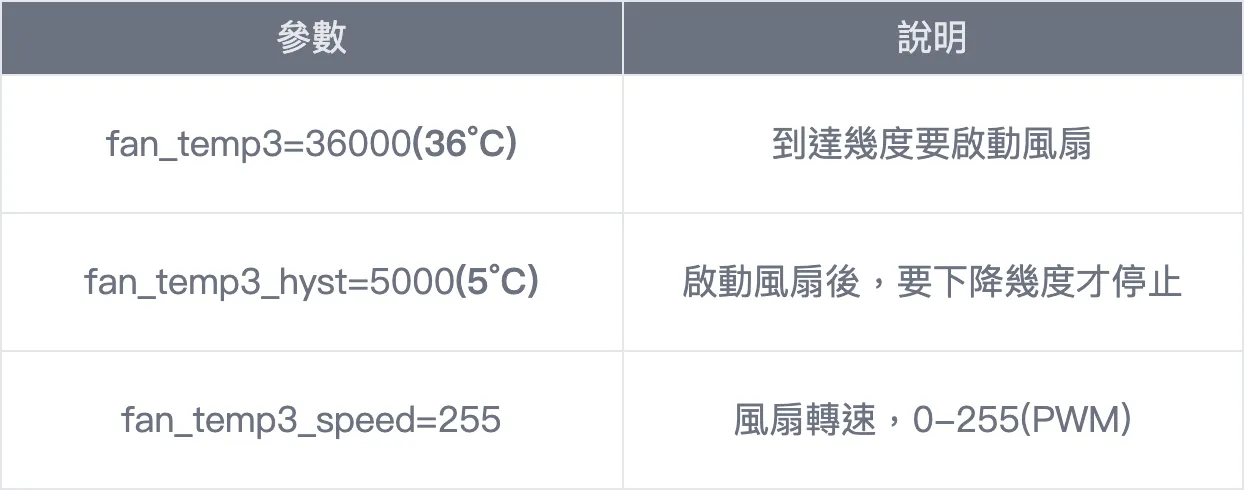
sudo rebootGPIO
如果是使 GPIO 腳位來增加風扇的如下
sudo raspi-config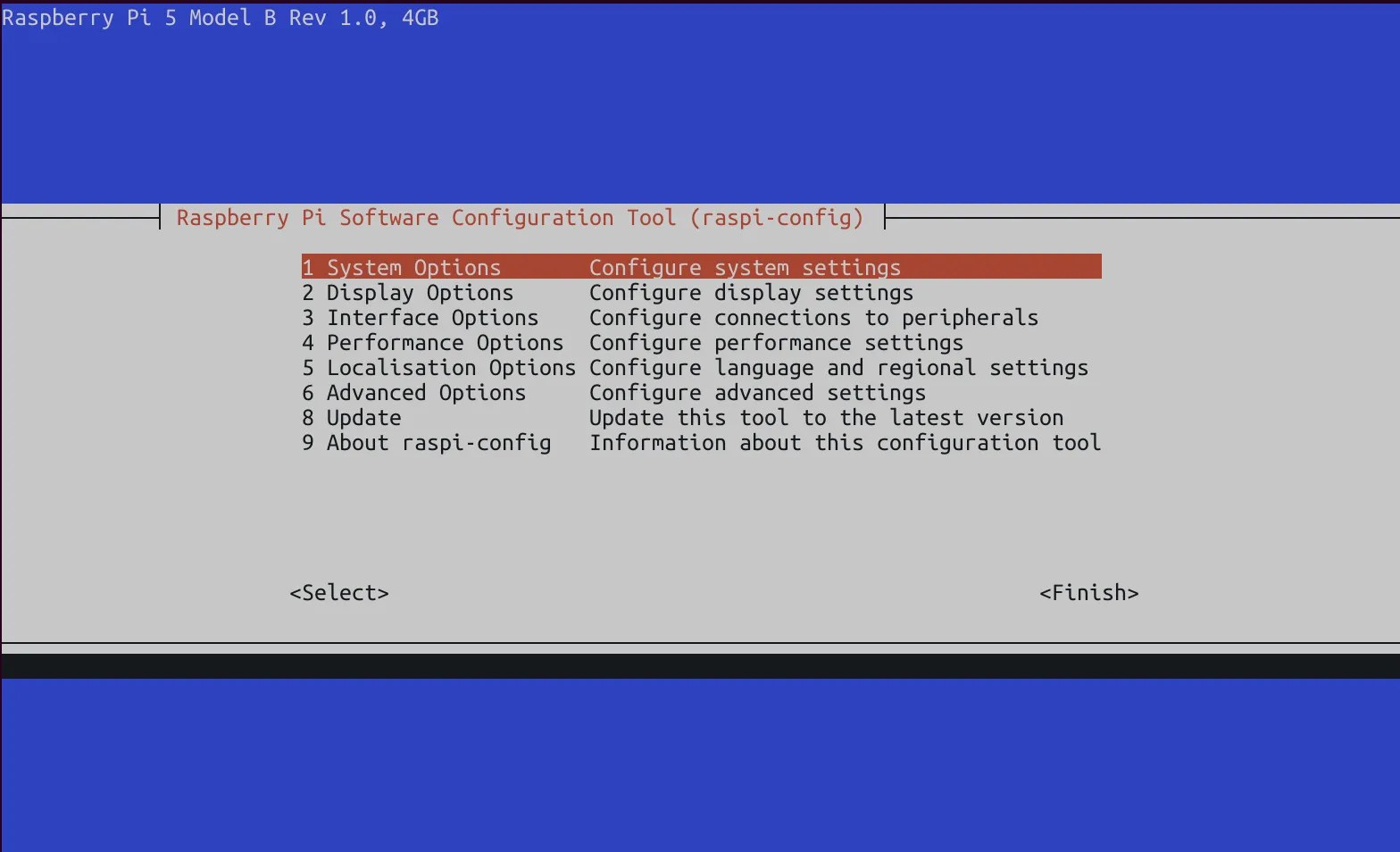
裡面就會有 Fan 的選項
https://www.raspberrypi.com/documentation/computers/configuration.html
树莓派5 调速风扇,主动散热器调速控制_树莓派5风扇设置-CSDN博客
Comments
Loading comments...